The Blood of Dawnwalker Launch Day — What to Know Before You Play
Launch day for The Blood of Dawnwalker: day-one patch details, performance tips, editions, and what to expect from the opening hours in the Vale Sangora.
FAQ
Is there a preload or early access?
Do I need to play on the hardest difficulty for the full experience?
Will there be DLC or expansions?
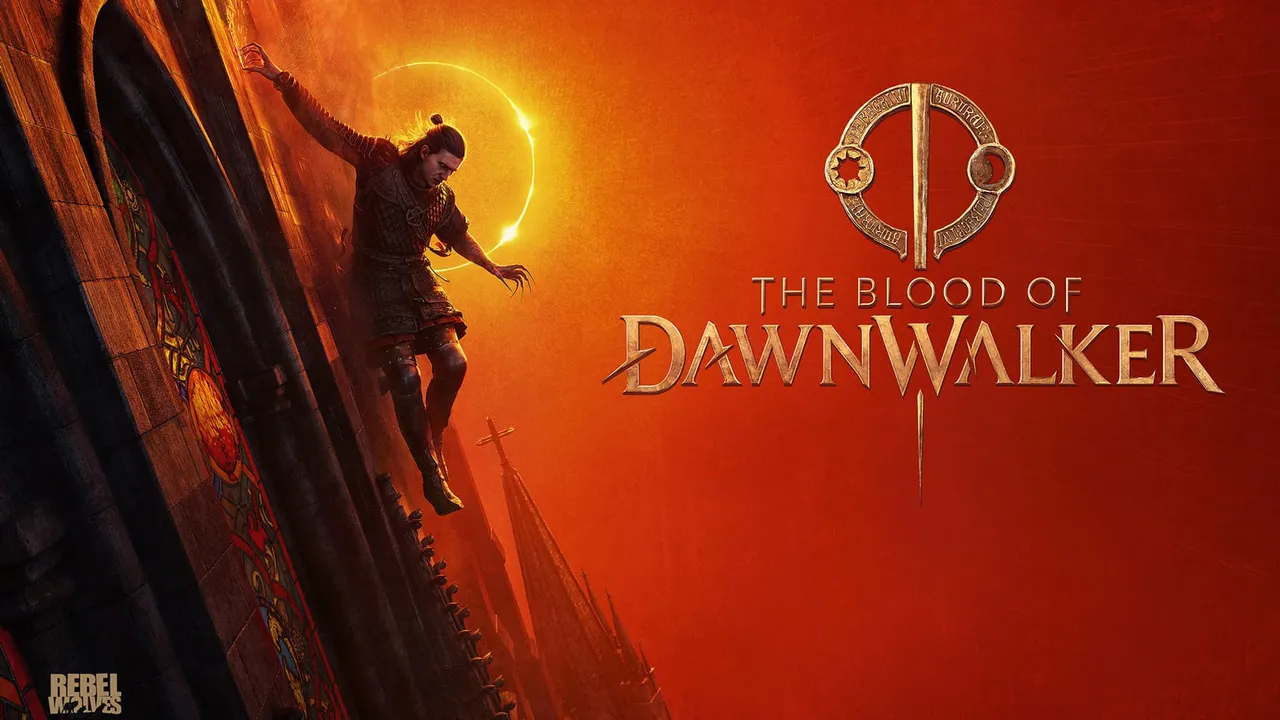
September 3, 2026 — The Blood of Dawnwalker is live. Rebel Wolves’ debut dark-fantasy RPG is now available on PC, PS5, and Xbox Series X|S. This page covers what you need to know on day one: the patch, the performance, and the first decisions that shape your 30-day run through the Vale Sangora.
What Is in the Day-One Patch?
The most significant addition is a 60 FPS mode for consoles, delivered via the day-one patch. This came after community backlash over the originally announced 40 FPS cap:
| Platform | 60 FPS Mode |
|---|---|
| PS5 | ✅ Day-one patch |
| Xbox Series X | ✅ Day-one patch |
| Xbox Series S | ❌ Not available |
| PC | Uncapped (hardware-dependent) |
For the full patch scope, check the official patch notes on the game’s site or your platform’s store page. PC players should also make sure GPU drivers are up to date — the game runs on Unreal Engine 5 and benefits from recent driver releases.
Two post-launch hotfixes followed in the first two days: Hotfix 1.0.2 (from September 3, on PC, PS5, and Xbox Series X|S) fixed quest blockers — Farkas unreachable after nearby NPCs die, Lunka getting lost in the tutorial — plus PC controller dead-zone and sprint-input adjustments, and Hotfix 1.0.3 (September 4, PC) added DualSense support on Steam and GOG. Every change is itemized in the patch history page.
Which Edition Should You Buy?
If you are deciding between editions, compare them directly on your platform’s store page — Steam, GOG, the PlayStation Store, and the Microsoft Store each list exactly what their tiers include. Every guide on this wiki covers the core game: the 30-day clock, both of Coen’s forms, the skill trees, and the full Vale Sangora are the game itself, not extras.
What Performance Settings Should PC Players Use?
The game uses Unreal Engine 5, which is demanding. Recommended first steps:
- Update your GPU drivers. NVIDIA and AMD both release game-ready drivers for major launches.
- Start with the “High” preset, not “Ultra.” Ultra settings in UE5 games often have diminishing returns for significant performance cost.
- Enable DLSS or FSR if your GPU supports it. These upscaling technologies are the single biggest performance lever in UE5 titles.
- Check your resolution. Native 4K is extremely demanding — consider DLSS Quality mode at 1440p for a better balance of visuals and frame rate.
Two launch-window issues had official guidance as of the 1.0.2 notes: stuttering in Windowed / Borderless mode (workaround: run the game Full Screen) and crashes during shader compilation (fix: check that your BIOS is up to date). Since then, Hotfix 1.0.4 (September 9) fixed the save-blocking bug and a batch of quest blockers, and Hotfix 1.0.5 (September 10) improved the shader-compilation pipeline — officially able to fix stuttering for some users. The patch history page tracks the current state of every issue.
If you hit frame drops in busy scenes, lower the preset first and resolution second — UE5 games are usually more sensitive to the former.
What Should You Do First?
Your first session in the Vale Sangora should be about orientation, not optimization:
- Play through the opening naturally. The game introduces its systems at a deliberate pace — do not skip dialogue or tutorials.
- Learn which actions advance the clock. The 30-day time system only counts plot-affecting actions. Exploration, looting, and talking are free — use that knowledge.
- Experiment with both forms. Coen’s day/night split is the core of the game. Try daytime swordplay and nighttime vampire abilities early so you know what each form is good for.
- Do not rush. The narrative sandbox structure means you will miss content on your first run regardless. That is by design — the game is built for multiple playthroughs.
For a detailed walkthrough of your opening hours, see first hours in the Vale Sangora.
How Long Is the Game?
Rebel Wolves estimates 50–70 hours for a standard playthrough, with four difficulty levels and branching narrative paths. The 30-day clock means you cannot do everything in one run — deciding what to skip is part of the experience. The main quest’s ending does not necessarily end the game; side content may remain available afterward.
What Are Critics Saying?
Review aggregates, re-pulled September 7, 2026:
- Metacritic: 83 (PS5) / 84 (PC) / 88 (Xbox Series X|S)
- OpenCritic: 85 average — “Mighty” — with 92% of critics recommending
The game has been praised for its narrative ambition, the day/night system’s mechanical depth, and the Vale Sangora’s atmosphere. The 30-day clock has been noted as a divisive feature — some reviewers love the urgency, others find it stressful. See the review roundup for every outlet score, and release date, platforms and editions for the full breakdown.
Related Articles
lore
The Vampire Court in The Blood of Dawnwalker, Explained
Brencis does not rule the Vale Sangora alone - his vampire followers seized it with him. Here is everything confirmed about the court and its creatures.
characters
Who Is Brencis? The Blood of Dawnwalker's Vampire Antagonist
Brencis is the ancient vampire ruling the Vale Sangora — he cured the plague with vampire blood, imposed the blood tax, and took Coen's family.
lore
The Plague and the Blood Tax in The Blood of Dawnwalker
How the plague broke the Vale Sangora, how Brencis cured it with vampire blood, and how the blood tax turned a kingdom into a farm — the backstory of Dawnwalker.
Was this helpful?
Thanks for the feedback!